Features
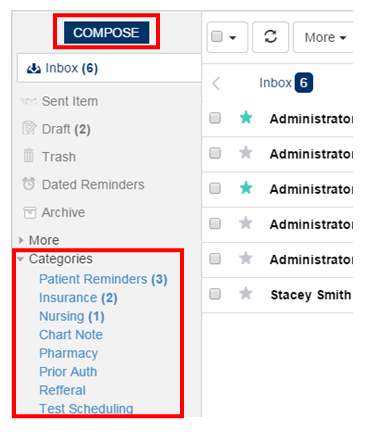
Here you can compose and refine your messages by selecting the category as shown below. Categories have an option to drag all the categories listed.
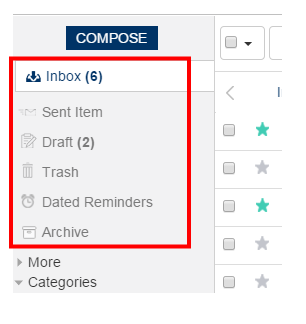
Shown here are features using which you can view the inbox,sent mails, draft, trash,reminders sent to patients etc.
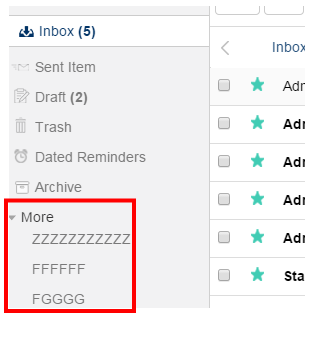
View the Labels and the listed category, by clicking “More”.
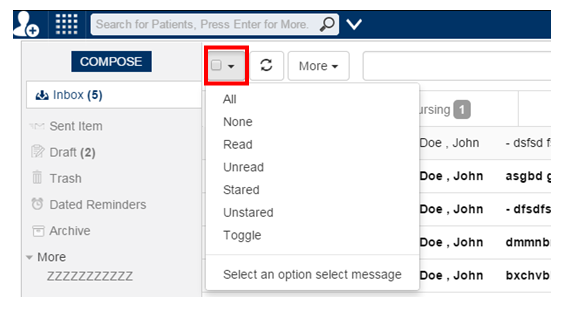
Clicking the button as shown in the below screen will show how you can refine the messaging by selecting options like “Read, Unread, All, None etc…
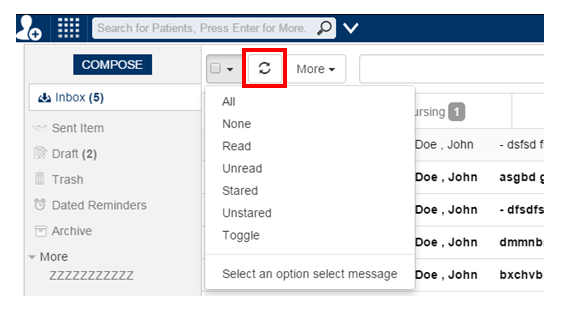
By Clicking the next button as shown in the below will refresh the page.
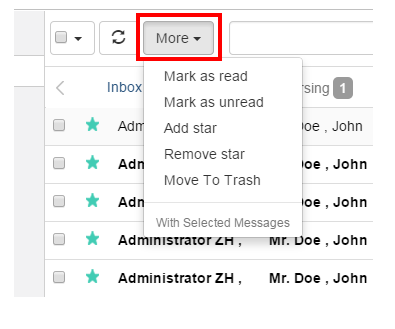
Clicking the More button as shown below will show you some category to mark, add and move your selected messages as read, unread, to add star and move to trash etc…
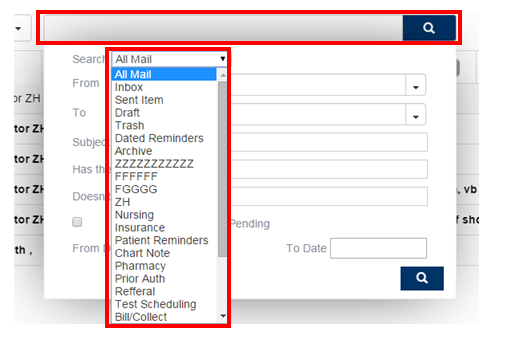
To search for a message, you have to click on the drop down menu in the middle of the screen as shown below and there you could see multiple options to select any of those to refine the message you were looking for.