

Cancellation/Updating/Duplicating An Appointment
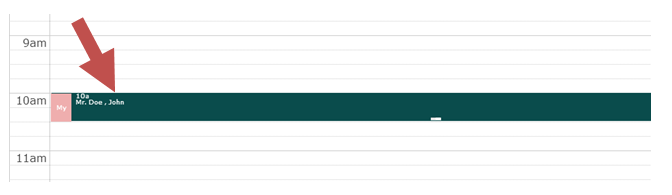
Click on the appointment being set on the scheduler.
Now the following screen appears.
Click on the “Delete” button to cancel the appointment.
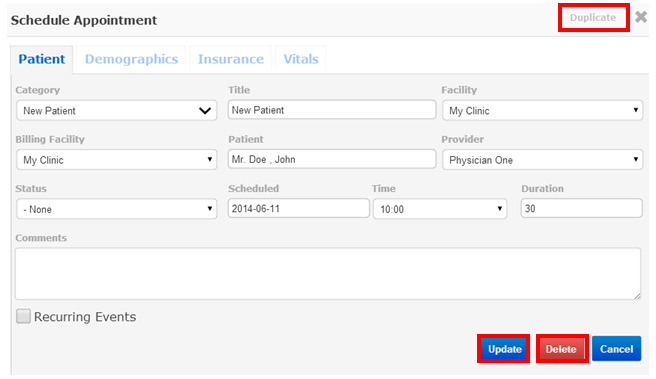
You can also edit the appointment details and click on the update button to save the edited information.
A “Duplicate” button on top can be used to create a duplicate appointment with exactly similar details.