

SEARCH AND ENCOUNTER TAB

The first tab allows you to search the patients by name, PID etc. The dropdown to the right allows you to search the encounter history. 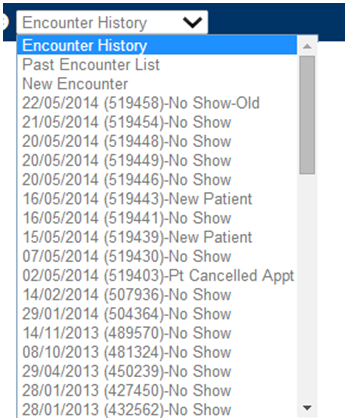
The encounter History provides you with the details of the past encounter that the patient had. You can select the past encounters for review. Also you will have the option to create new encounter from the encounter History.
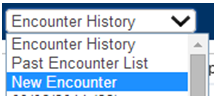
The new encounter option in the encounter history will allow you to create a new encounter for the selected patient.
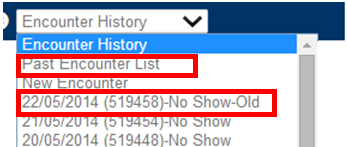
The past encounter list provides you with the details of the patients previous visits. The past encounter provides you with the glance of the following:
- Encounter/Date of service
- Encounter number (automatically generated by the system)
Visit Category. Once you click on the patients past visit you will get detailed information on the patient’s reason for the visit.