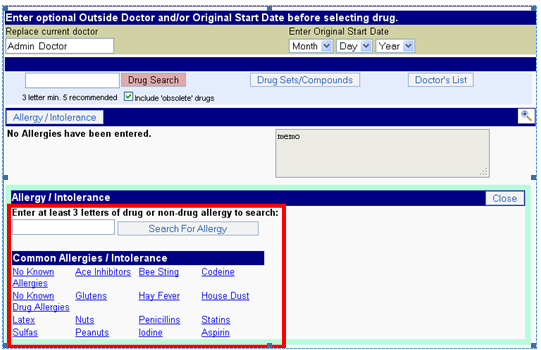
Allergies
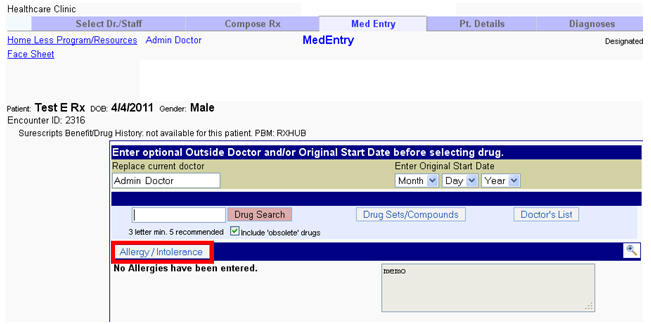
Allergies section takes care of – Add Allergy information Step 1: – Click on the “e-Rx” tab on the patient chart.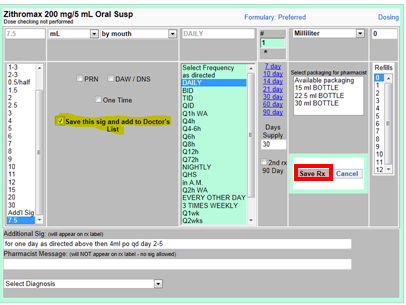 Step 2: – Click on the “Allergies/Intolerance” tab shown below.
 Click on “Allergy/Intolerance” to search for an allergy. You also get a list of common allergies also to choose from without searching.
 Step 3: – Type first 3 letters and click on “Search for Allergy” to get the options to choose from.
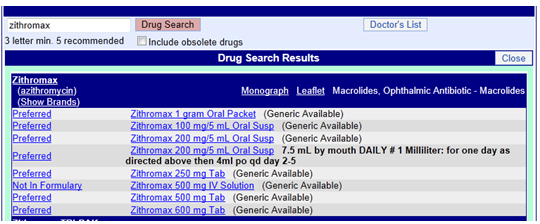 Step 4: –Choose one of the allergies listed. Then you get a drop box to select severity of the allergy and also enter a note. After doing so, click on the “Save Allergy” tab.
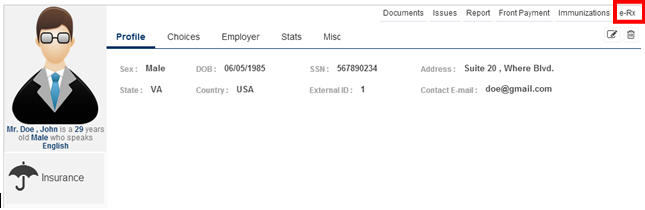 Now the following screen appears. The allergy along with the severity is entered.
 You can also find the allergy added in the patient chart, as shown below.