Choosing The Provider
You can choose the providers for whom you want to view the scheduler by clicking on the “Provider” button shown below. Here you can also have a multi select to view the appointments of 2 providers at the same time.
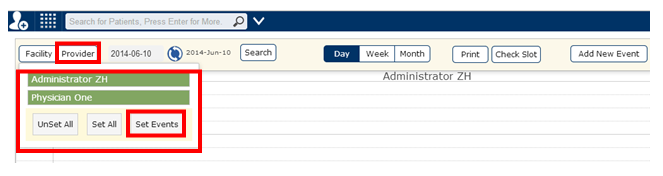
Clicking the “Set Events” button, you can see the appointment details of more than one provider at the same time. As seen below, you can see and interchange events for 2 providers at the same time.
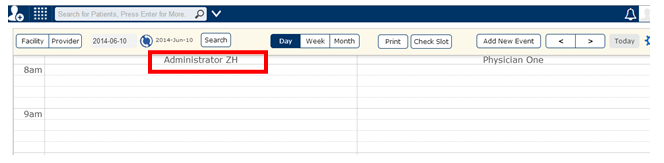
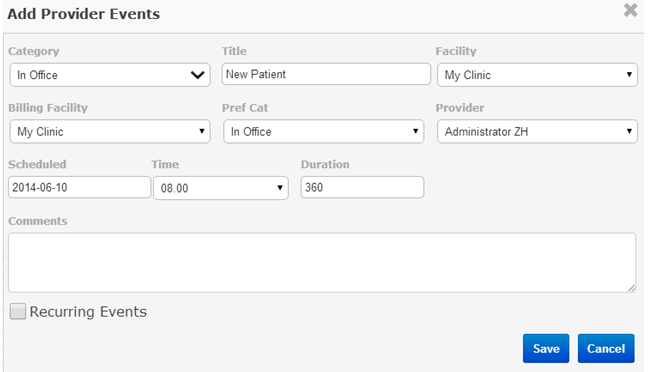
Here you can also set “Provider Events” like In time, Out time, lunch, meeting, vacation etc. Clicking on the respective provider name marked above you get the following screen for setting up the provider events.