Documents
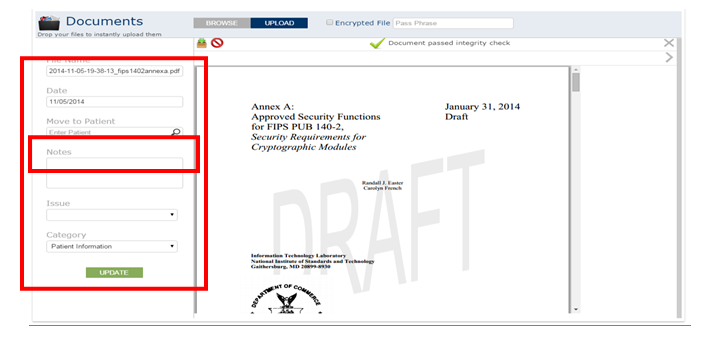
The Documents option under Import enables you to upload a document into the Care Co-ordination module that can be stored in the files as under Patient information, Extract sheets etc. This however is customizable and you can enter in any folder name of your choice.
The Documents section enables you to upload documents pertaining to different patients. If you are confused as to where those documents belong you can leave them there on the documents dashboard until you find out to which patient it belongs to.
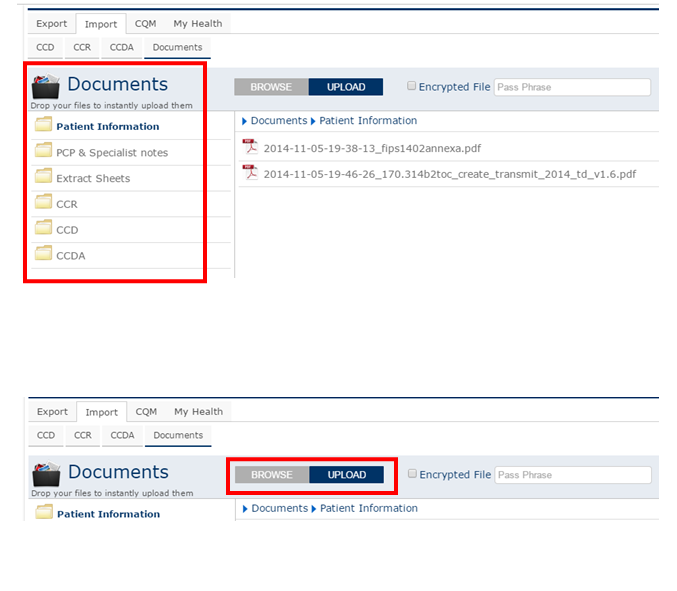
The Browse option enables you to upload a document from any folder in your system.
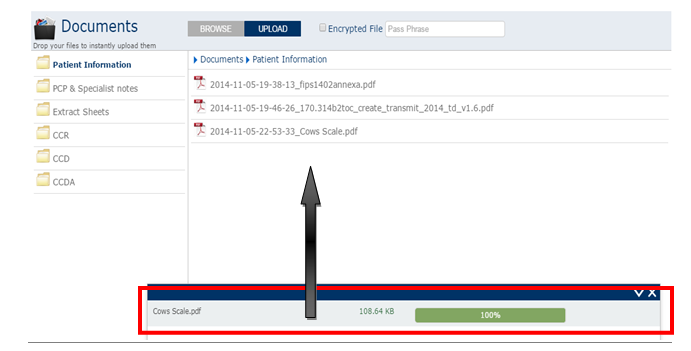
Once uploaded, click the document, to view it as shown below. In the options provided you can move it to the particular patient’s database when you click ‘move to patient’, enter the patient name/number and click update.