DOCUMENTS
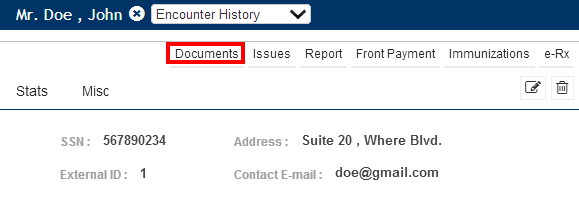
The document tab allows you to add any document associated to the patient such as reports from other facilities, lab information, patient’s picture etc… You can upload the file with the patient’s information into the database. The figure below shows where the document tab is located in the Face Sheets page.
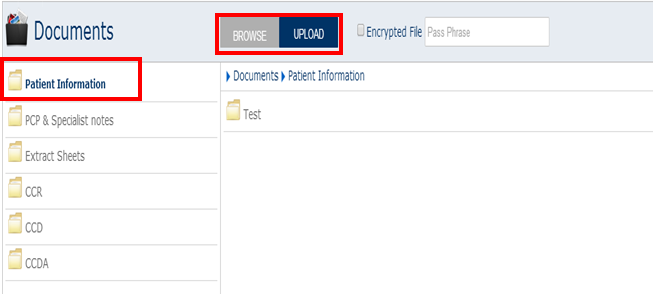
When you click on the documents section you go to the following screen from where you can browse and upload the documents to any of the folders which are listed towards the left side.
For eg: if you want to upload a document of a respective patient to Patient information, select Patient Information and click Browse, and select the document and click Upload. As a result the selected documents gets uploaded to Patient Information.