Entering New Patient
To create a new patient, click on the ‘New Patient’ button in the top left corner as shown in the below screenshot. This will redirect to the “Search or Add Patient” screen also shown below.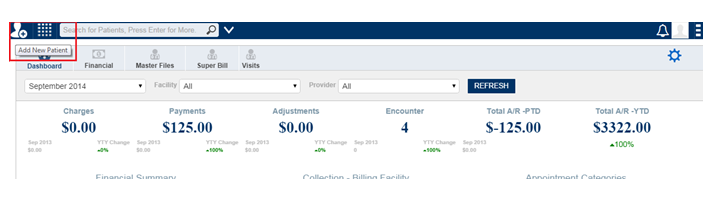
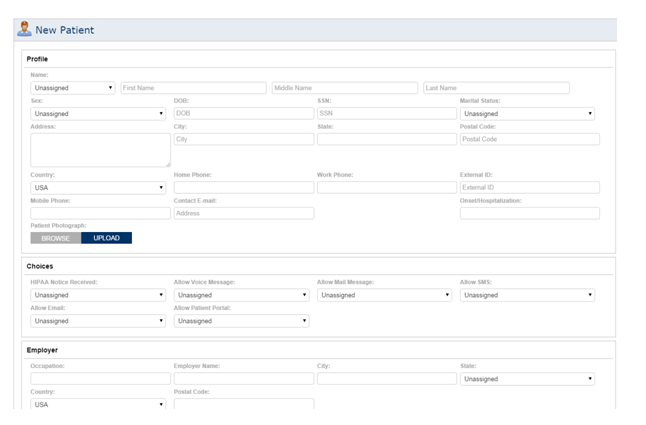
Check the square box to see the expanded view of the field and enter the demographics in the appropriate field as shown below,