Local Lab
Creating the Lab Providers
You can create a local lab for the user by adding it as an option in the “Provider” tab which is shown below. 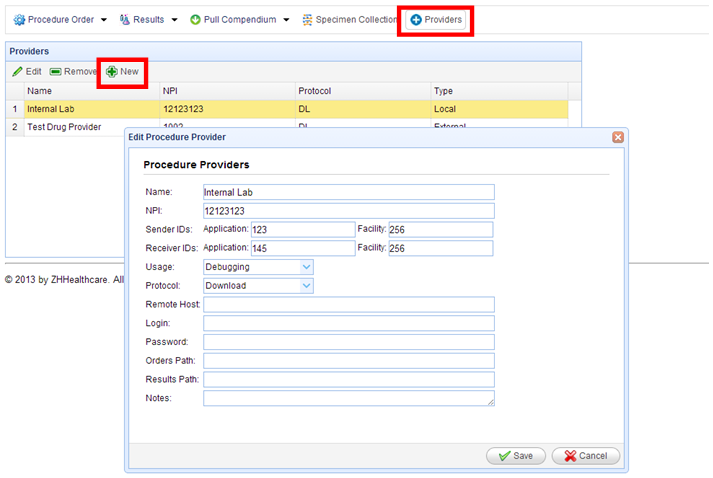
If you click on the “New” option that is marked above, you can add a local lab by filling in the details that is shown above.
Name: – The name that you want to give to the local lab.
For internal lab the remaining fields are not mandatory, only the name is needed. If you need to install an external lab, you have to put in the other fields too. These settings will be setup for you by the administrators.
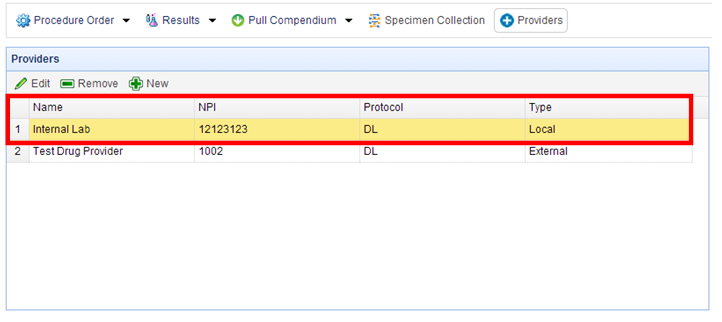
Once you have added the details, you will get the internal lab listed as shown below.