PATIENT LEDGER
The patient ledger enables you to get the current billing details of the patient. The patient ledger is divided into basic ledger and detailed ledger. In the basic ledger you get a basic snapshot of the patient’s billing information. You will also have the option to edit the ledger as required.

In the detailed ledger shown below you will get a comprehensive picture of the patients billing information. The Detailed ledger in divided into 4 sections: 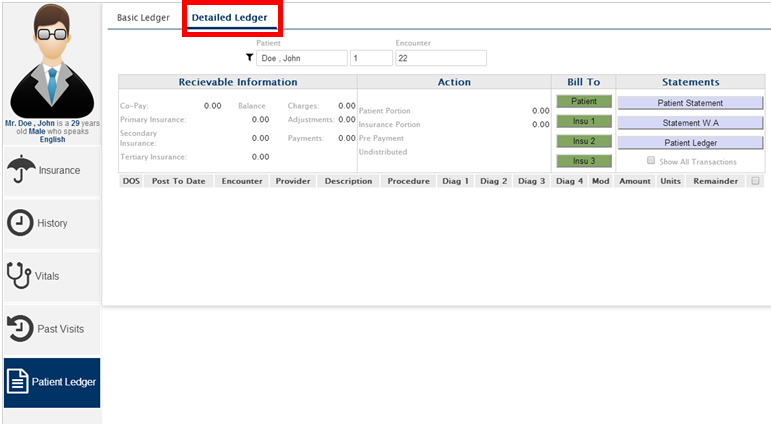
- Receivable information
- Action
- Billed To
- Statements
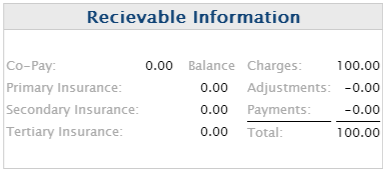
The receivable information contains the information on the receivables from the patient as well as from the patient’s Insurance which is as follows:
- Co-Pay
- Primary insurance
- Secondary Insurance
- Tertiary Insurance
- Balance
- Charges
- Adjustments
- Payments
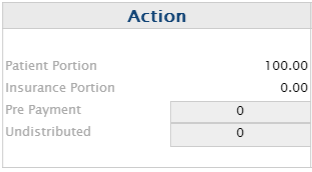
The actions section shows the details of the payments from the patient and the insurance which is as follows:
- Patient Portion
- Insurance Portion
- Pre-Payment
- Undistributed
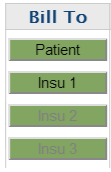
The billed to enables you to bill the patient or the patients insurances.
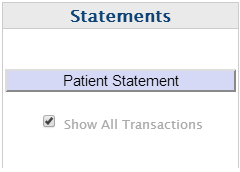
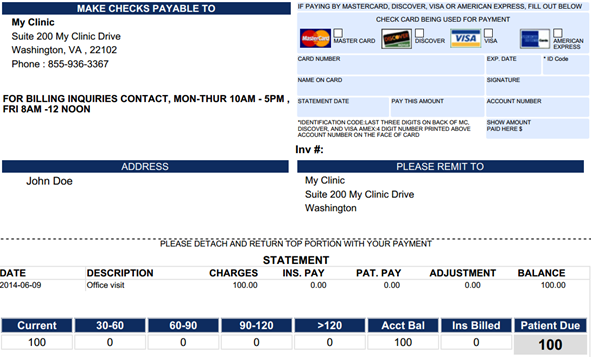
This the area that will allow you to get the statements associated to the patient. The below mentioned is a sample print opt for the statement.