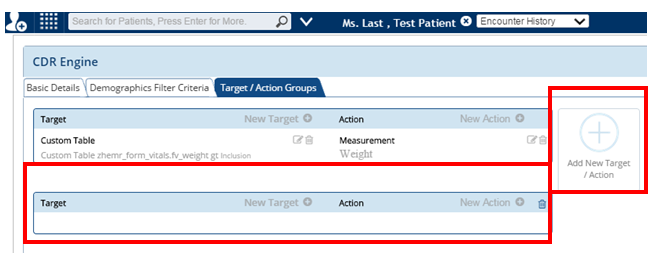
Target Action Groups
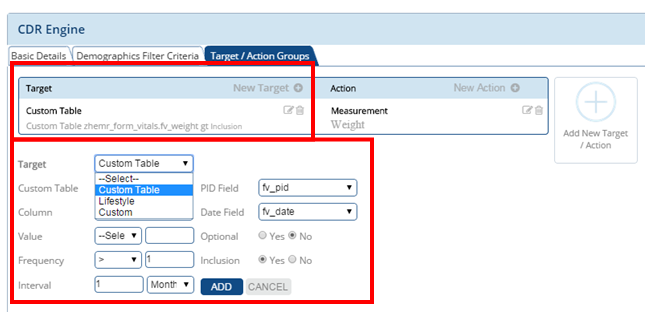
Under the target action groups, you can set a target and the action corresponding to that particular target
Target can be set under Lifestyle and Custom with the frequency and interval corresponding to that action
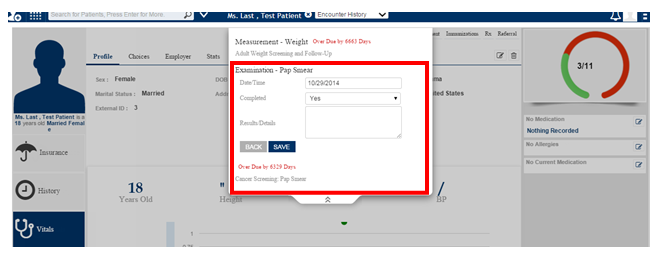
The Custom input Yes/No option formulates the screen that is shown as below, this will appear as a reminder on the patient screen and when clicked on it gives you the drop down option where in you can enter if the necessary action has been taken or not.
If you want to Add more than one Target and action to a particular Rule you can click the “Add new Target/Action and enter the respective details and click save.